In this guide
Yes, Gemini is free. The Gemini app on Android and iPhone and gemini.google.com cost nothing and include chat, image generation and editing, Deep Research, Gemini Live voice chat and Canvas. Free use has limits that Google calls “standard limits”: they’re based on how much computing your requests use, refresh every five hours, and stop at a weekly cap. Paid plans multiply those limits: Google AI Plus ($4.99 a month in the US, 2x), AI Pro ($19.99, 4x) and AI Ultra ($99.99 or $199.99), as of November 2026.
What the free Gemini plan includes
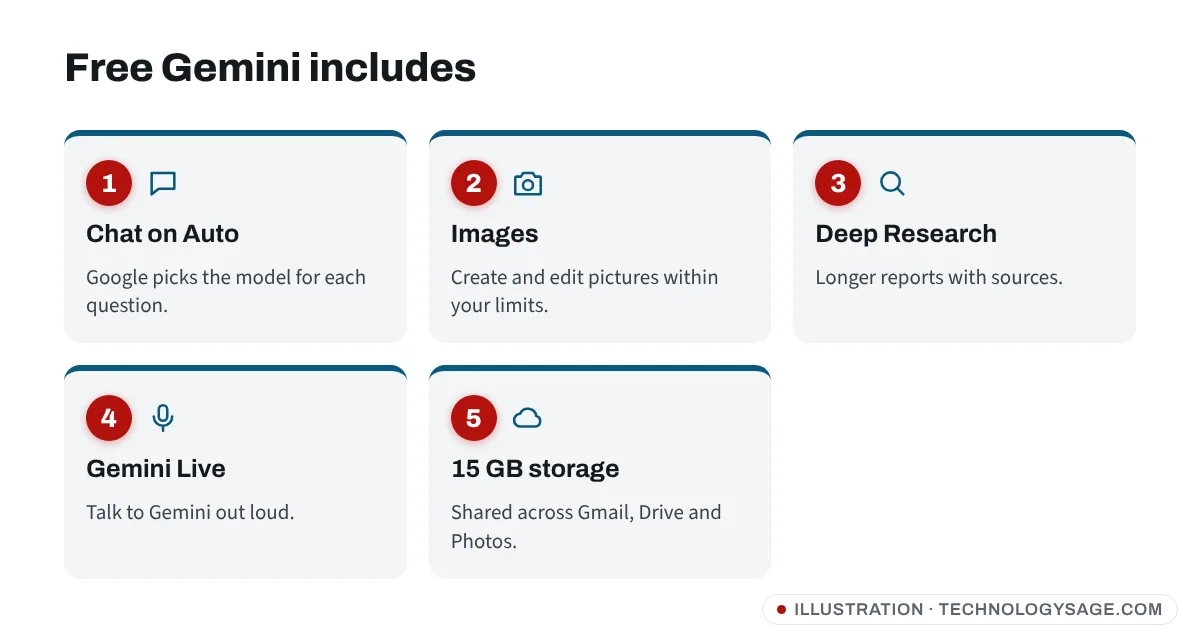
According to Google’s Gemini subscriptions page, the free plan in November 2026 includes:
- Chat with automatic model selection (Google picks the model for each question).
- Image generation and editing with Google’s Nano Banana tools.
- Deep Research for longer, sourced reports.
- Gemini Live for spoken conversations.
- Canvas for drafting documents and simple apps.
- Limited access to Google Flow (video) and Gemini Notebook.
- 15 GB of free Google storage, shared across Gmail, Drive and Photos.
Which model do free users get?
Since October 2026, free users are on Auto by default. Google says most prompts go to its lightest Flash-Lite model, while harder ones may be sent to Flash or Pro models. Paid plans get more direct access to Google’s newest Gemini 4 models, which arrived in November 2026.
How Gemini’s free limits work
Google changed how Gemini limits work in May 2026 (and for users under 18 in July 2026). Instead of fixed numbers of prompts per day:
- Usage is compute-based. Short questions use little; long chats, Deep Research, image or video creation, the Pro model and extended “thinking” use more.
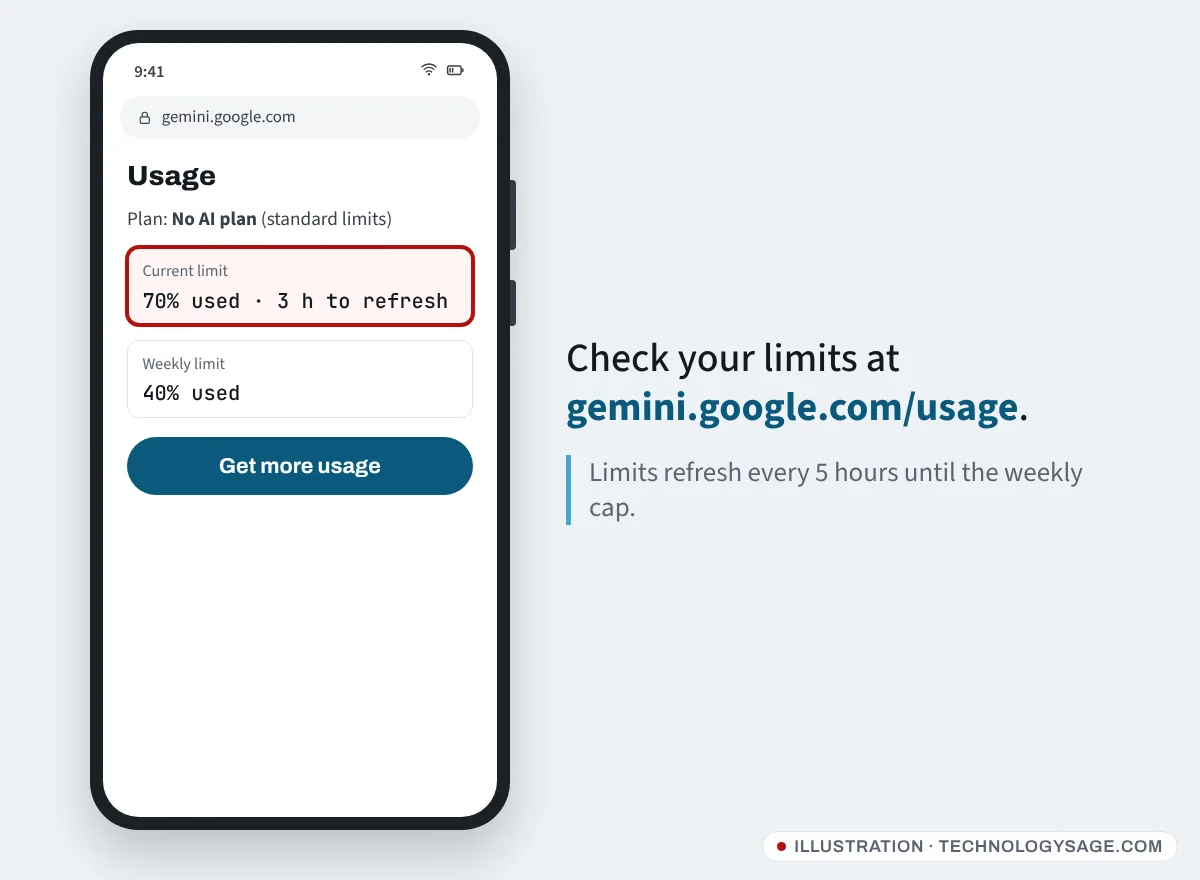
- Limits refresh every five hours, until you reach your weekly limit.
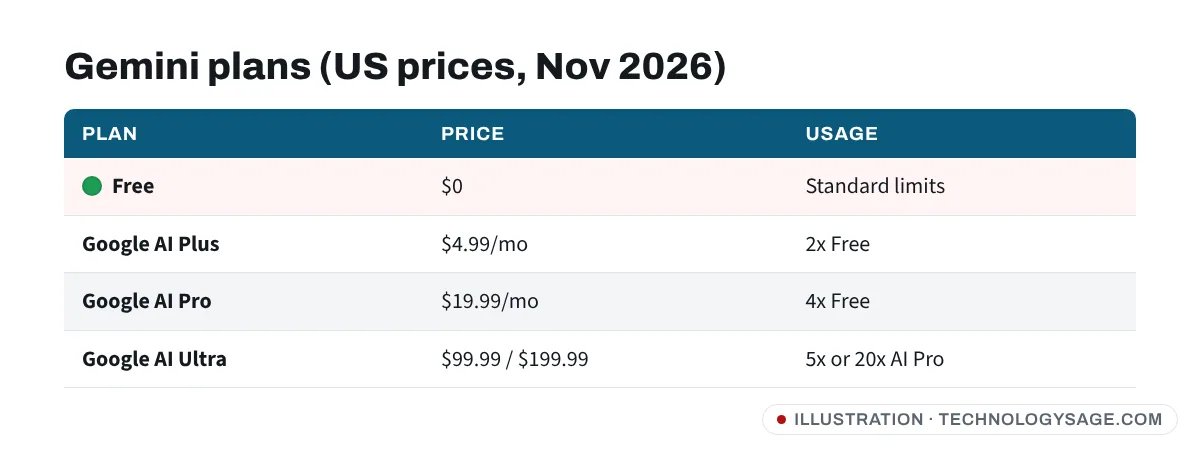
- Paid plans multiply the standard limit: AI Plus is 2x, AI Pro is 4x, and AI Ultra is 5x or 20x AI Pro.
You can check how much you’ve used at gemini.google.com/usage. When you run out, Gemini tells you when your limit resets.
Gemini plans and prices (November 2026)
| Plan | US price | Gemini usage | Highlights |
|---|---|---|---|
| Free | $0 | Standard limits | Chat, images, Deep Research, Live, Canvas, 15 GB |
| Google AI Plus | $4.99/month | 2x Free | Gemini 4 Hydrogen, video generation, Gemini in Gmail, more storage |
| Google AI Pro | $19.99/month | 4x Free | Gemini 4 Neon and Hydrogen, Gemini in Gmail and Docs, YouTube Premium Lite, much more storage |
| Google AI Ultra | $99.99 or $199.99/month | 5x or 20x AI Pro | Top Gemini 4 Carbon model, highest limits, YouTube Premium family |
Prices vary by country (they are often lower in markets such as India), and the app shows your local price before you pay. Google was also running a “save up to 50% on select Google AI plans” offer in November 2026. Plans, models and limits change often.
Free vs AI Plus vs AI Pro: which should you choose?
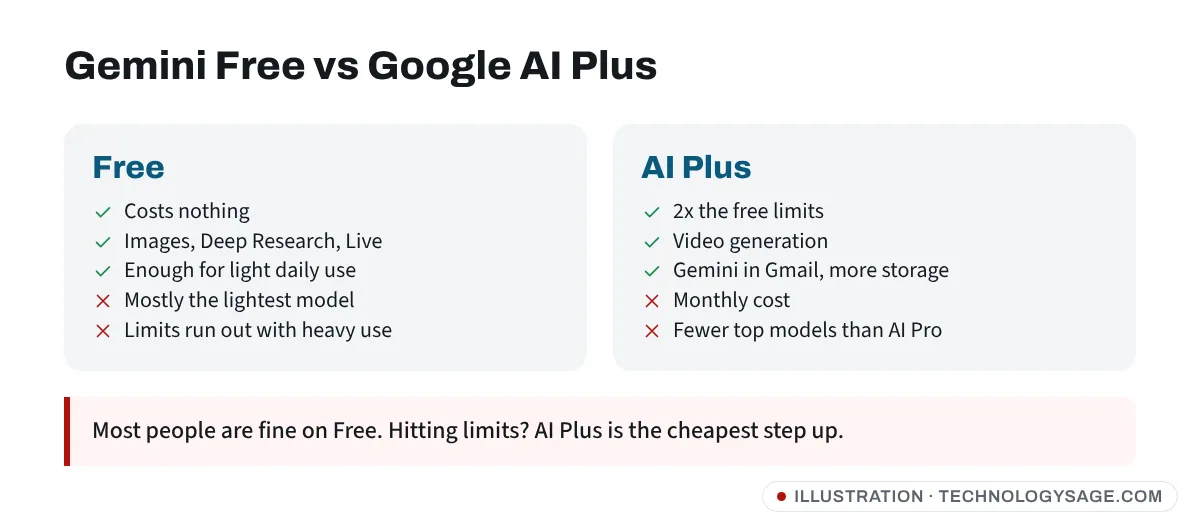
- Stay on Free if you use Gemini for quick questions, homework help, writing emails and the odd image. Most people never hit the limit.
- AI Plus suits regular users who hit the free limit or want Gemini inside Gmail, plus extra storage for photos. It’s the cheapest upgrade.
- AI Pro is for heavy daily use, long documents, coding, and people who also want the extra storage and YouTube Premium Lite.
- AI Ultra is for professionals who need the top model and the highest limits.
Free Gemini for students
As of November 2026, Google is offering eligible college and university students a free year:
- US students: 12 months of Google AI Pro free.
- Students in more than 140 other countries, including 27 in Africa: 12 months of Google AI Plus free.
- Sign up by 31 December 2026. A payment method is needed, and the plan renews at the normal price unless you cancel.
Full steps are in our Gemini for students guide.
How to use Gemini free on your phone
- On most Android phones, Gemini is already installed. If not, install Gemini from the Play Store (developer: Google LLC). On iPhone, get it from the App Store.
- Sign in with your Google account. You must meet Google’s age requirements; some features are limited for under-18s.
- Type, speak or attach a photo, then send.
Gemini also answers when you say “Hey Google” on Android. If that stopped working, see Hey Google not working after Gemini. If you’d rather not use it, see how to turn off Gemini.
Safety tips
- Google will never ask for your password or verification code by phone, WhatsApp or text.
- Ignore “Gemini Pro free forever” APKs and Telegram account sellers. Only subscribe inside the Gemini app or at one.google.com.
- Lost access to the Google account you use for Gemini? See how to recover a Gmail account.
FAQ
Is Gemini really free?
Yes. The Gemini app and website are free with standard limits that refresh every five hours up to a weekly cap. Paid Google AI plans raise those limits.
How much is Gemini Pro?
The plan is called Google AI Pro. As of November 2026 it costs $19.99 a month in the US, with local prices elsewhere.
What is Google AI Plus?
A cheaper plan, $4.99 a month in the US, with twice the free Gemini limits, video generation, Gemini in Gmail and more storage.
How many prompts do I get on Gemini free?
There’s no fixed number since May 2026. Limits depend on how complex your requests are and refresh every five hours until a weekly cap.
Does Gemini free include image generation?
Yes, free users can create and edit images, within their usage limits.