In this guide
- Before you buy any car gadget
- 1. In-dash stereo receiver
- 2. Dashcam
- 3. Night vision system
- 4. Heads-up display
- 5. Bluetooth FM transmitter
- 6. OBD-II diagnostic scanner
- 7. Tyre pressure monitoring system
- 8. Phone mount and wireless charger
- 9. Portable jump starter
- Quick comparison
- Safety tips
- Frequently asked questions
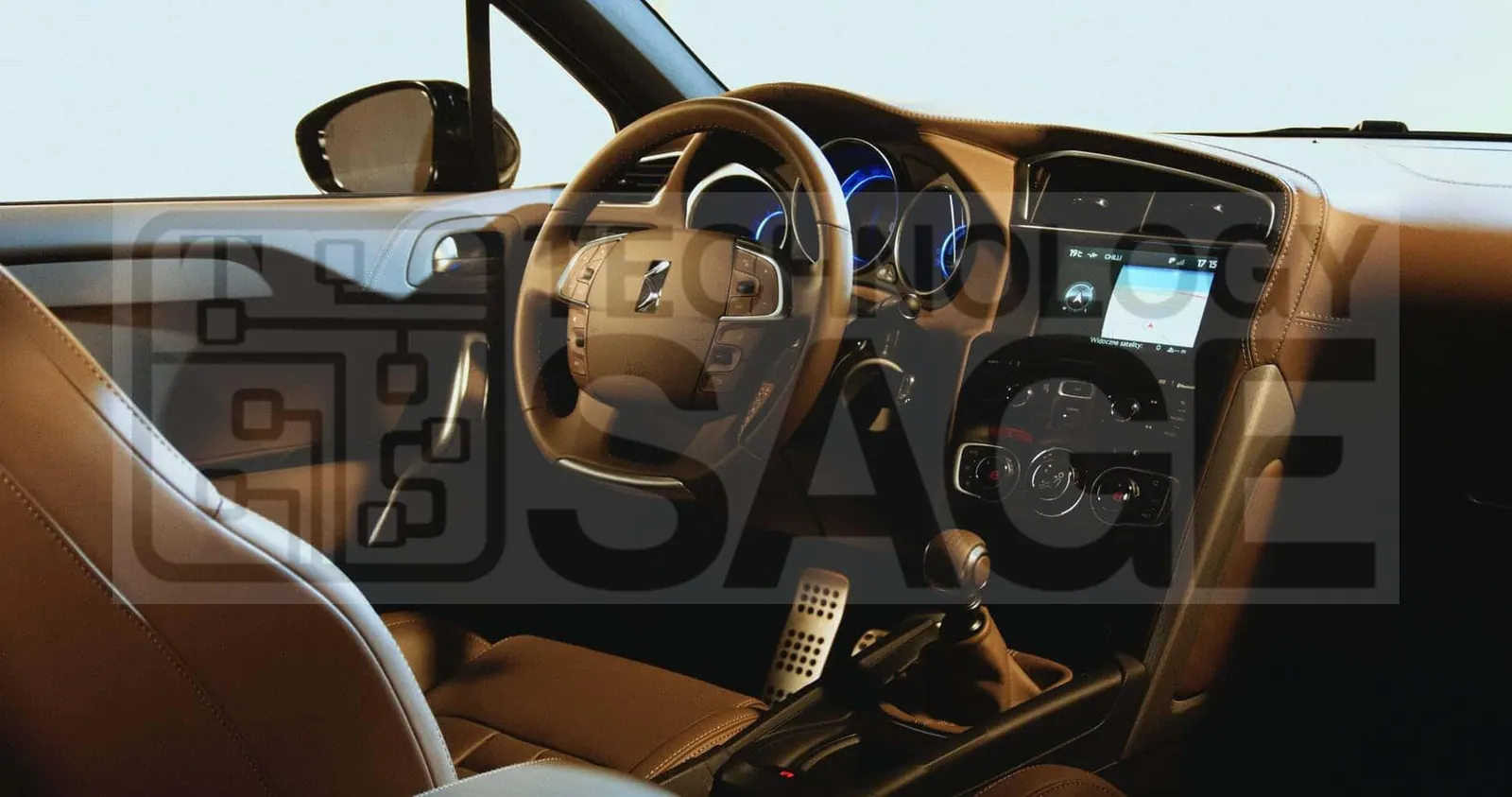
Car buyers are willing to pay a significant premium for the technology they want. The average buyer would spend more than $2,200 extra for preferred high-tech features, according to The Hartford. New models come with advanced technology, from sophisticated audio systems to biometrics, not to mention AI-powered solutions for the average user such as Siri, Alexa and other digital assistants.
That does not mean you need a new car to enjoy these features. Many of them can be added to an older vehicle with aftermarket gadgets. This guide covers the most useful high-tech car gadgets, what each one does, what to check before buying, and tips for installing them safely. It is for drivers who want a more convenient, comfortable and safer car without replacing it.
Before you buy any car gadget
- Check compatibility. Confirm the gadget fits your car’s make, model, year and dashboard layout. Many retailers have a vehicle-fit checker.
- Know the law. Rules on dashcams, screens visible to the driver, windscreen mounts and window tint differ between countries. Check what is allowed where you drive.
- Decide on installation. Plug-in gadgets take minutes. Stereos, cameras and hard-wired dashcams are often best installed by a professional, especially in cars with complex electronics.
- Protect your battery. Devices that stay powered when the engine is off can drain the battery. Look for models with low-voltage cut-off.
- Buy from reputable brands. Cheap, unbranded electronics may overheat or interfere with the car’s systems.
1. In-dash stereo receiver
If you want better audio and modern smartphone features, consider replacing your current stereo with an aftermarket in-dash receiver. For example, Kenwood’s Excelon range includes a 6.8-inch touchscreen receiver with HD Radio and Bluetooth.
These units do not fit every car. A large touchscreen receiver like this needs a double-DIN opening in the dashboard. Once installed, it lets you use Android Auto or Apple CarPlay, so you can play audio in high-quality formats such as WAV and FLAC, stream music from services like Spotify and Pandora through your phone, and display your phone’s navigation and messaging apps on the centre console.
Tip: if your car already has a factory screen with wired CarPlay or Android Auto, a small wireless adapter may give you a cable-free connection for much less than a new receiver.
2. Dashcam
A dashcam records the road ahead, and sometimes the rear and the cabin too. Footage can help settle insurance claims and disputes after an accident. Look for good night-time image quality, loop recording (so old footage is overwritten automatically), automatic saving of clips when a collision is detected, and a reliable memory card. Mount it so it does not block your view of the road.
3. Night vision system
When comparing automobile models and makes at dealerships, buyers are willing to invest more in vehicles with high-tech safety features. Dashcams and reversing cameras help, but they are not enough if you drive a lot at night.
With that in mind, you may want to install a night vision camera. Automobile night vision devices use infrared or thermal sensors to detect objects, people and animals beyond the range of your headlights. The images are shown on a display in real time, giving you more time to react and avoid an accident. Aftermarket systems vary widely in quality and price, so read reviews and consider professional installation.
4. Heads-up display
Heads-up displays (HUDs) are still mostly found in more expensive models, but you can add one to almost any car. Heads-up display systems for sale can show essential information such as speed, engine RPM and fuel level on the windscreen, so you keep your eyes up.
Budget models, such as the Anauto heads-up display, plug into your car’s on-board diagnostics (OBD-II) port under the dashboard. They then project your car’s key details onto a reflective film that you stick on the windscreen. Other HUDs connect to your phone and show navigation directions instead.
5. Bluetooth FM transmitter
If your car has an old radio without Bluetooth or an auxiliary input, a Bluetooth FM transmitter is the cheapest upgrade. It plugs into the 12V socket, connects to your phone by Bluetooth and broadcasts the audio to an unused FM frequency on your radio. Many also include USB charging ports and a microphone for hands-free calls. Sound quality is lower than a direct connection, but the convenience is hard to beat for the price.
6. OBD-II diagnostic scanner
A small Bluetooth OBD-II scanner plugs into the same diagnostic port as many HUDs and connects to an app on your phone. It can read the fault codes behind a warning light on your dashboard, so you have a better idea of the problem before visiting a mechanic. It can also display live data such as engine temperature and fuel economy.
7. Tyre pressure monitoring system
Correct tyre pressure improves safety, fuel economy and tyre life. Aftermarket tyre pressure monitoring systems use sensors on each valve and a small display or app that alerts you when a tyre loses pressure.
8. Phone mount and wireless charger
A sturdy phone mount keeps navigation within view, so you are not looking down at your lap. Combined with a wireless charger, it keeps your phone charged on long drives. Make sure the mount does not block airbags or your view of the road.
9. Portable jump starter
Not glamorous, but very useful: a compact lithium jump starter can restart a car with a flat battery without needing another vehicle. Many double as power banks for your phone.
Quick comparison
| Gadget | Main benefit | Installation |
|---|---|---|
| In-dash receiver | Audio, CarPlay and Android Auto | Professional recommended |
| Dashcam | Evidence after incidents | Plug-in or hard-wired |
| Night vision | Safer night driving | Usually professional |
| Heads-up display | Eyes on the road | Plug-in |
| Bluetooth FM transmitter | Wireless audio for old radios | Plug-in |
| OBD-II scanner | Understand warning lights | Plug-in |
| Tyre pressure monitor | Safety and fuel economy | Simple DIY |
Safety tips
- Set up navigation and music before you start driving.
- Use voice control for calls and messages wherever possible.
- Do not watch video or interact with screens while the car is moving.
- Keep gadgets and cables away from airbags, pedals and the steering wheel.
Frequently asked questions
Can I add Apple CarPlay or Android Auto to an older car?
Yes. An aftermarket receiver that supports them is the most complete option. Some phone-mounted displays also offer these features without replacing the stereo.
Will plug-in gadgets drain my car battery?
They can if the socket stays powered when the engine is off. Unplug them when parked for long periods, or choose devices with automatic shut-off.
Is an OBD-II device safe to leave plugged in?
Most are designed for it, but some draw a small amount of power constantly. If you will not drive for several days, unplug it.
Which gadget gives the biggest safety improvement?
For most drivers, a dashcam and a tyre pressure monitor offer the best value. Drivers who travel a lot at night may also benefit from a night vision system.
Modern cars come with advanced technology, including augmented reality, biometrics and artificial intelligence. Even so, you can add high-tech aftermarket accessories to improve your car’s safety and comfort. Gadgets worth your money include heads-up displays, night vision systems, in-dash receivers and wireless Bluetooth FM transmitters.